Documentation Studio
Download the app, sign in to your account, and unlock access to clinical criteria for inpatient level of care justification with 94 conditions across 13 categories.
How to Access Documentation Studio
Follow these 5 steps to unlock the Documentation Studio inside the Aerolib Physician Advisors App.
Download & Open the App
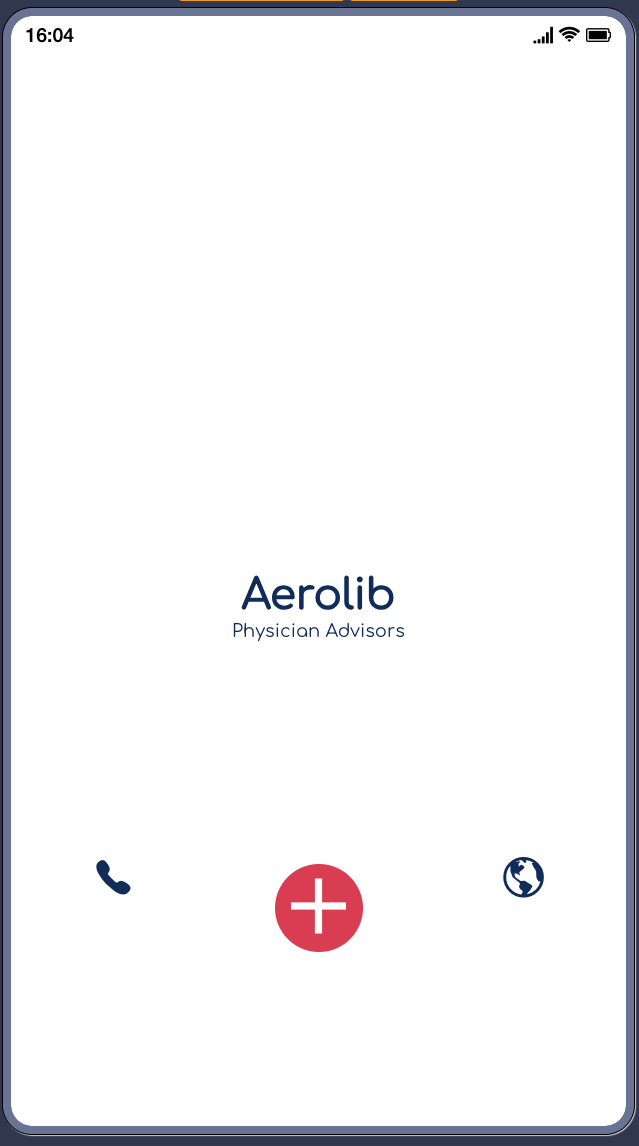
Download the Aerolib Physician Advisors app from the Apple App Store or Google Play Store. Open the app and tap the red "+" button at the bottom center.
Open the Main Menu
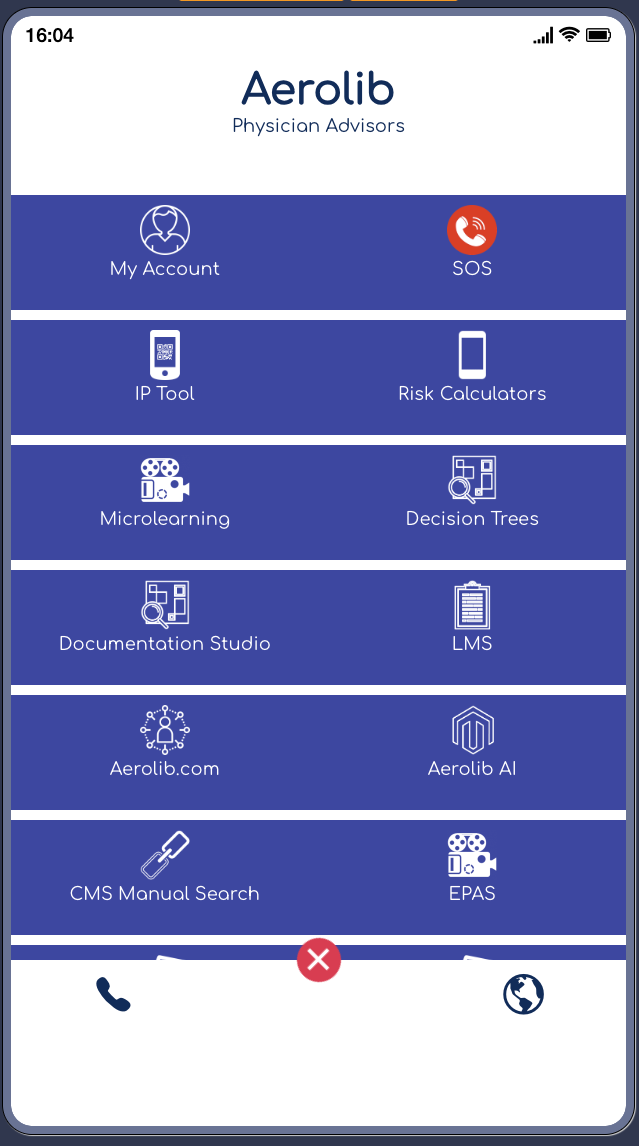
The main menu appears with all available tools. Tap "My Account" at the top-left of the menu grid to sign in.
Sign In to My Account
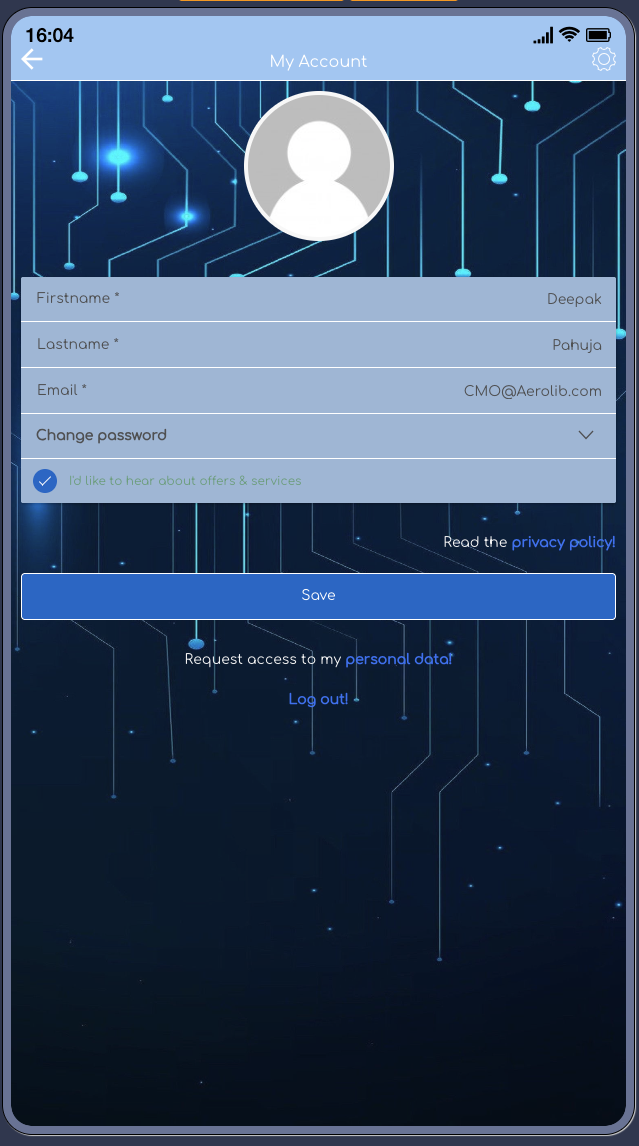
Enter your credentials or create a new account. Fill in your details and tap Save. Signing in unlocks access to the Documentation Studio.
Open Documentation Studio
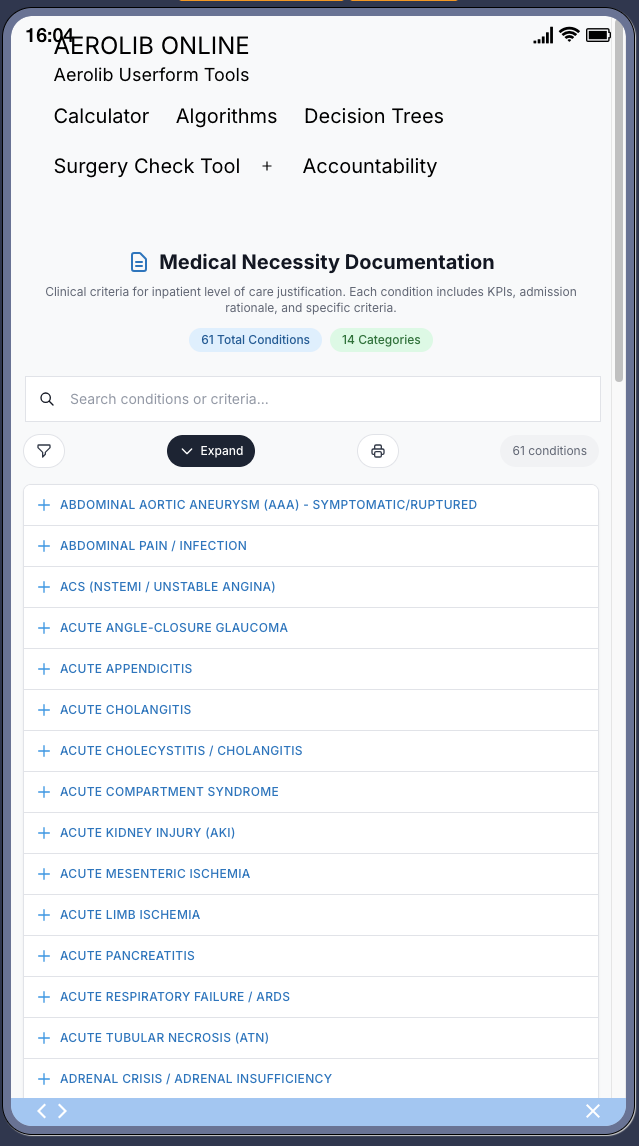
Return to the main menu and tap "Documentation Studio". Browse 94 clinical conditions across 13 categories with search, filter, and expand tools.
View Condition Details
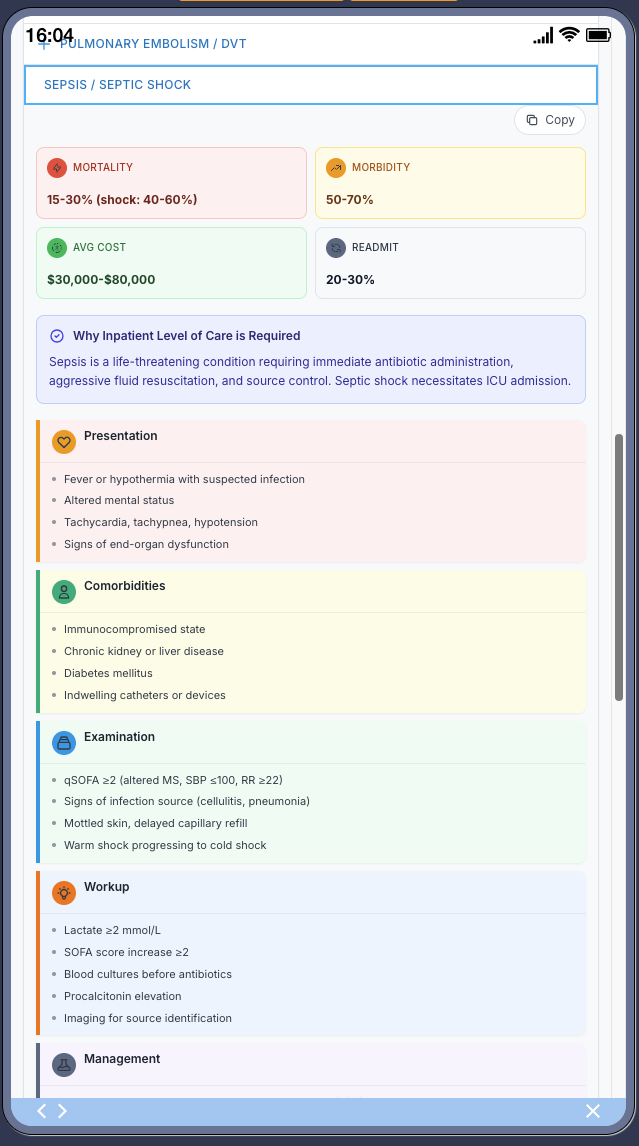
Tap any condition to see its full clinical detail card with KPIs (Mortality, Morbidity, Cost, Readmit), inpatient rationale, Presentation, Comorbidities, Examination, Workup, and Management.
What You Get
The Documentation Studio provides comprehensive medical necessity documentation tools at your fingertips.
Searchable Conditions
Quickly find any of the 94 conditions using the built-in search bar. Filter by category for faster navigation.
Key Performance Indicators
Each condition includes Mortality, Morbidity, Average Cost, and Readmit rates for quick clinical reference.
Admission Rationale
Clear justification for why inpatient level of care is required for each condition, ready for documentation.
Clinical Criteria
Detailed Presentation, Comorbidities, Examination, Workup, and Management sections for each condition.
Download the App
Get instant access to the Documentation Studio and all Aerolib Physician Advisor tools. Available on both iOS and Android.

Scan to download